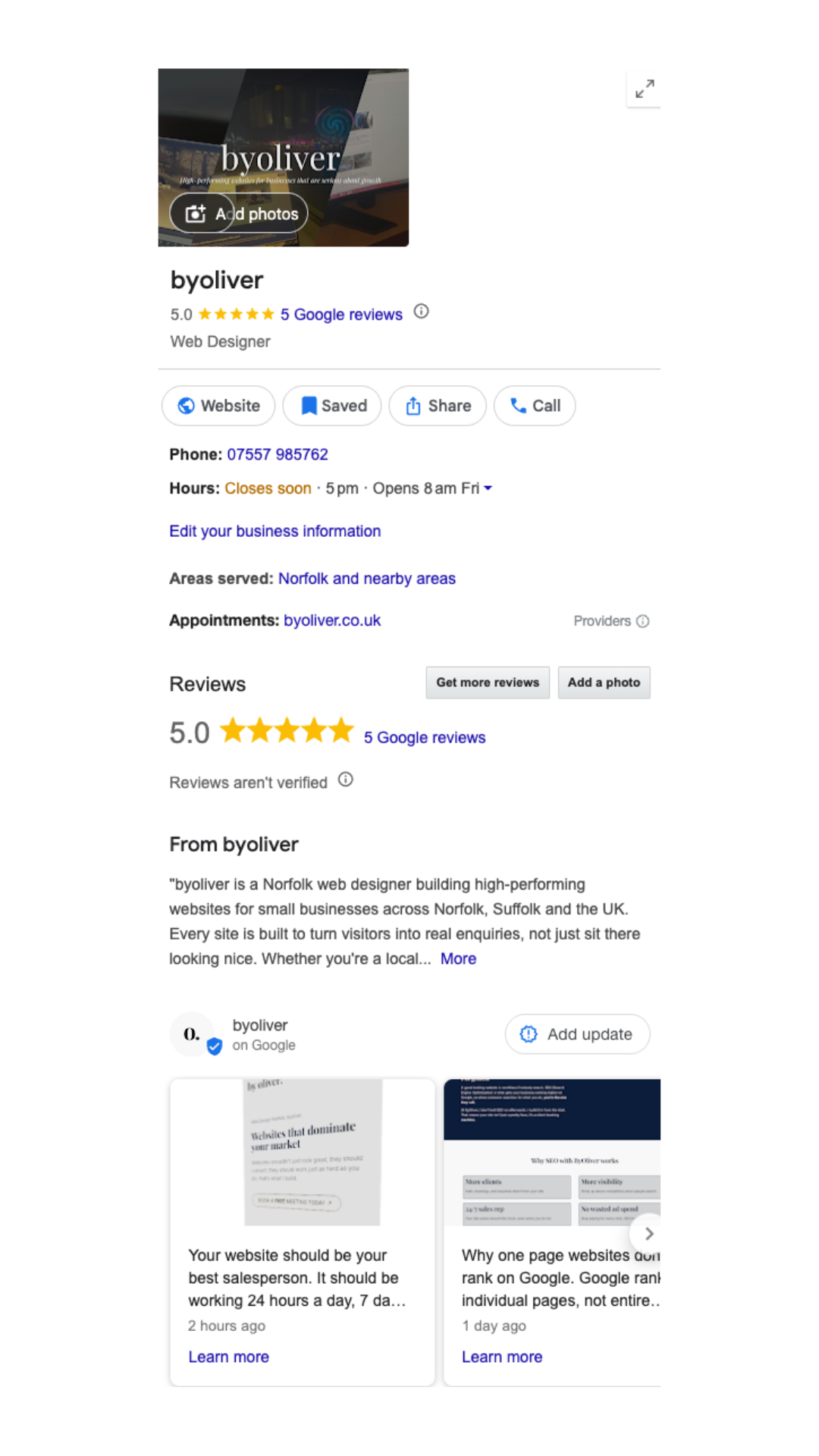
If you want more local customers finding your business, knowing how to get your business on Google Maps is one of the most important things you can do. This guide covers everything you need to know regarding how to get your business on google maps, step by step, including what to do after you are listed to make sure you actually show up when people search.
How to Get Your Business on Google Maps
To get your business on Google Maps you need to create and verify a Google Business Profile. This is completely free and takes around 15 minutes to set up. Here is exactly how to do it.
Step 1: Start the Process of Getting Your Business on Google Maps
Visit business.google.com and sign in with your Google account. If you do not have one, create a free Google account first.
Step 2: Enter your business name
Type in your business name. If your business already appears in the suggestions, click on it. If not, select the option to add your business to Google.
Step 3: Choose your business category
Select the category that best describes what your business does. This is important because Google uses it to decide which searches to show your business for. Choose the most specific and accurate option available.
Step 4: Add your location
If customers visit your premises, add your business address. If you travel to customers rather than having a fixed location, you can set a service area instead and hide your address. This is common for tradespeople, cleaners, mobile services and web designers.
Step 5: Add your contact details
Enter your phone number and website URL. Make sure these are accurate and match what appears on your website. Consistency matters for how Google ranks your listing.
Step 6: Verify your business
Google needs to confirm your business is real. The most common method is a postcard sent to your business address with a verification code. Some businesses can verify by phone, email or video call. The process usually takes a few days.
Once verified, you have successfully completed the first step of how to get your business on Google Maps. But appearing and ranking well are two very different things.
How Long Does It Take to Appear on Google Maps?
After verification most businesses appear on Google Maps within a few days. However appearing on Maps and ranking well in local search results are two different things. Getting listed is just the first step.
How to Rank Higher on Google Maps
The part of learning how to get your business on google maps is straightforward. Getting to the top of results when someone searches for your service takes more work. Here is what actually makes a difference.
Complete every section of your profile
Google rewards complete profiles. Add your opening hours, services, photos, a detailed business description, and your website. The more information you provide the better Google understands your business and the more confidently it shows you to potential customers.
Choose the right categories
Your primary category is the most important. Choose the one that most accurately describes your main service. You can add additional categories too. A web designer in Norfolk might use Web Designer as their primary category and Internet Marketing Service as a secondary.
Add photos regularly
Businesses with photos receive significantly more clicks than those without. Add photos of your work, your premises, your team, and your products. Update them regularly. Google favours active profiles.
Get Google reviews
Reviews are one of the strongest signals Google uses to rank local businesses. Ask every happy customer to leave a review. More reviews, and higher rated reviews, directly improve your position in local search results.
A business with 20 five star reviews will almost always outrank a competitor with no reviews, even if the competitor has been established longer.
Post updates regularly
Google Business Profile has a posts feature that works similarly to social media. Publishing regular updates, tips, offers or news signals to Google that your profile is active. Active profiles rank higher than inactive ones.
Respond to reviews
Responding to every review, positive and negative, shows Google and potential customers that you are engaged and professional. It also gives you an opportunity to include relevant keywords naturally in your responses.
What is the Difference Between Google Maps and Google Search Results?
When someone searches for a local service, Google often shows a map with three business listings directly in the search results. This is called the local pack or map pack. It appears above the regular organic search results and gets a significant portion of the clicks.
Appearing in the map pack requires an optimised and active Google Business Profile. It is separate from ranking in the organic search results below, which requires SEO work on your website.
The most effective local strategy combines both. A strong Google Business Profile for the map pack, and an optimised website for the organic results below.
Why Your Website and Google Business Profile Work Better Together
One of the most overlooked parts of how to get your business on Google Maps ranking well is having a strong website backing it up. Your Google Business Profile and your website are not separate things. They work as a team. Google cross references the two constantly, checking that your business name, address, phone number and services are consistent, and using your website content to better understand what your business does and who to show it to.
A website with strong local SEO, meaning proper keywords, location specific pages and optimised content, directly strengthens how Google perceives your Business Profile. Businesses that rank in the top three of Google Maps almost always have an active website backing up their profile.
Think of it this way. Your Google Business Profile gets people to notice you. Your website convinces them to get in touch. Both need to be working properly for local search to deliver real results.
Common Mistakes to Avoid
Inconsistent contact details – make sure your business name, address and phone number are identical across your website, Google Business Profile and any other directories. Inconsistency confuses Google and can hurt your rankings.
No photos – a profile with no photos looks untrustworthy and ranks poorly. Add at least five to ten quality photos when you set up your profile.
Ignoring reviews – not responding to reviews signals a lack of engagement. Always respond, even just a brief thank you.
Wrong category – choosing a vague or inaccurate category means Google shows your business to the wrong people. Take time to choose the most accurate one.
Never posting – a profile that has had no activity for months looks abandoned. Regular posts take five minutes and make a measurable difference to visibility.
Frequently Asked Questions
How do I get my business on Google Maps for free? Create a Google Business Profile at business.google.com. It is completely free and takes around 15 minutes to set up. You will need to verify your business before it appears on Maps.
How long does it take to show up on Google Maps? Most businesses appear within a few days of verification. Ranking well in local search results takes longer and depends on how well optimised your profile is.
Can I add my business to Google Maps without a physical address? Yes. If you serve customers at their location rather than from a fixed premises you can set a service area instead of an address. Your location will not be shown publicly.
Why is my business not showing on Google Maps? The most common reasons are that verification is incomplete, your profile is not fully filled out, you have no reviews, or you are competing against more established businesses with stronger profiles. Regular posting and getting reviews are the fastest ways to improve your visibility.
Does having a website help with Google Maps ranking? Yes. A website linked to your Google Business Profile gives Google more information about your business and increases trust. An optimised website combined with an active profile is the most effective local SEO strategy.
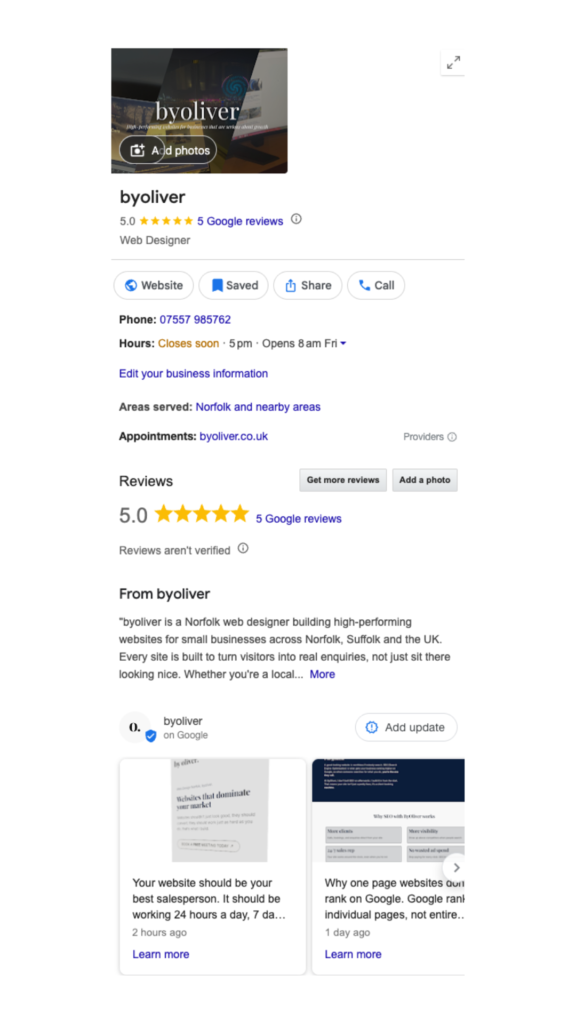
I hope this has answered your question of “How to get your business on Google Maps”, if you have any other questions – please do not hesitate to contact me via my contact page here.
Thank you for reading
-Oliver